
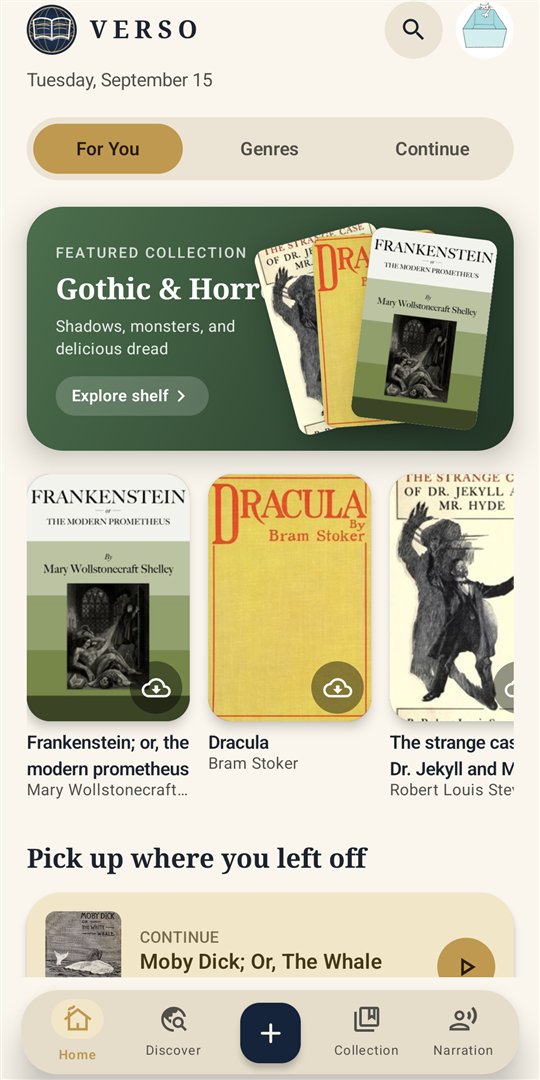
Every book you already have
Open a file from your phone, a download, or your browser's Share menu and it lands in your collection with its cover and chapters.
- EPUB
- Scanned PDF
- DOCX
- MOBI / AZW3
- FB2
- RTF
- HTML
- TXT
- Web articles
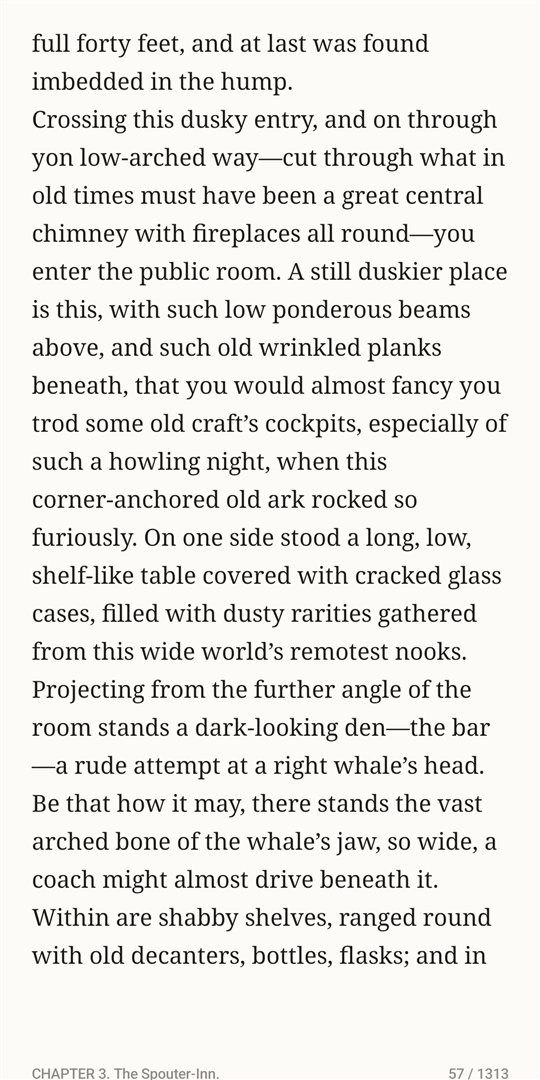
The page is set like a book: adjustable type, margins and line spacing, warm night and sepia themes, and a paper mode for e-ink screens. Scanned PDFs get on-device text recognition, so you can select, search and look up words in them too.
Search inside any book, keep bookmarks, highlight in several colours, and write notes that stay attached to the passage.
Tens of thousands of free classics
Browse Project Gutenberg, Standard Ebooks and the Internet Archive from inside the app — curated shelves, genres, and one search box that spans every catalogue. Books arrive in English, Spanish, French, German, Portuguese and Italian.
Have a personal library server? Add any OPDS catalogue and browse it the same way.
When a title isn't in the free catalogues, Verso shows where it can be bought and opens that store in your browser. Some of those links pay Verso a small commission; it never changes the price.
Read-aloud that keeps your place
Narration uses the voices already on your phone, highlights each sentence as it's read, and keeps going with the screen off. Adjust speed and the pause between sentences, pick an accent, and control it from the lock screen.
Reading that leaves something behind
- Tap any word for an offline dictionary. Save it, and Verso schedules reviews with spaced repetition until you own it.
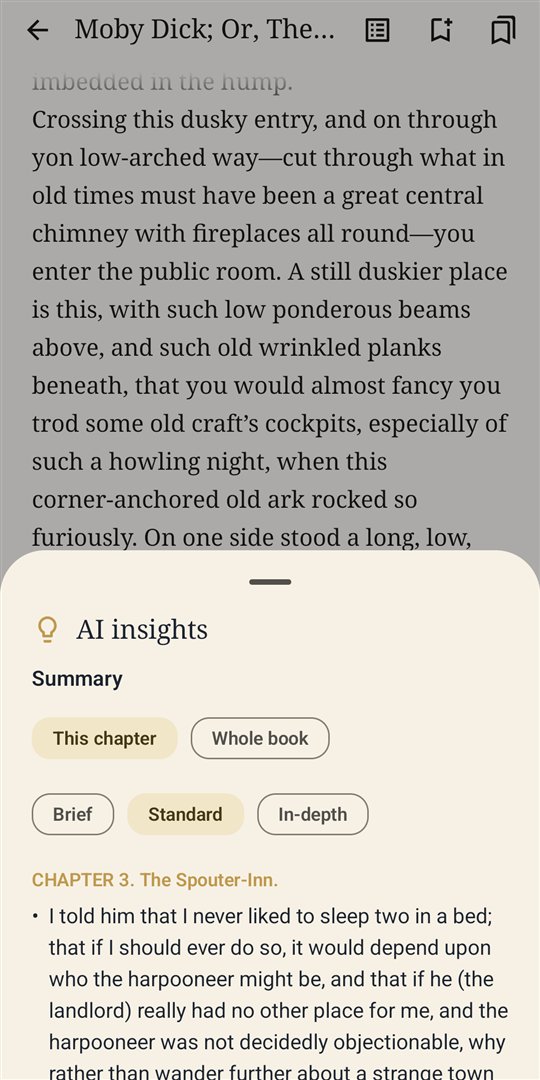
- Chapter summaries and key ideas, computed on the device — useful before a class, or to pick a book back up after a week away.
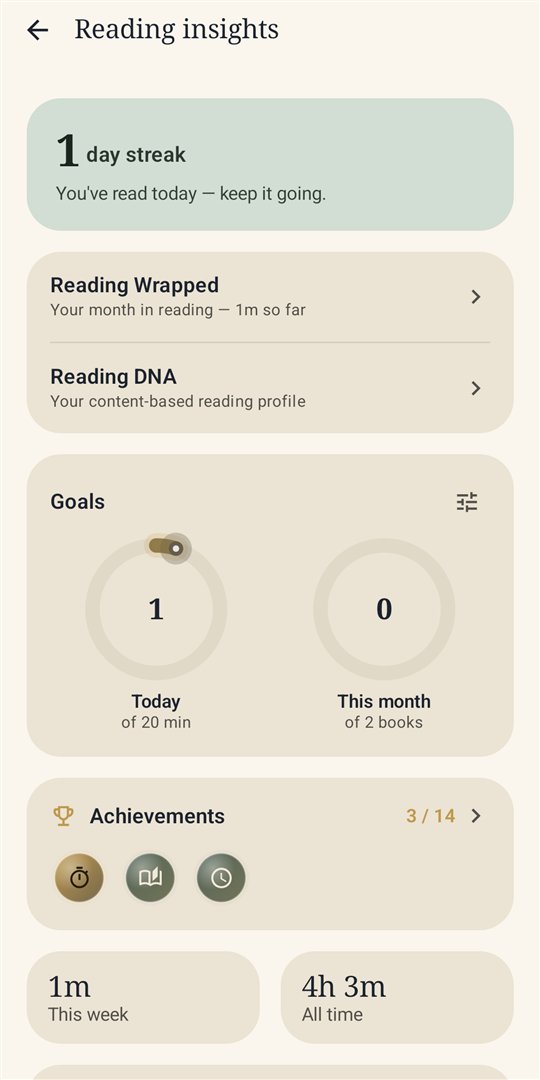
- A daily reading goal, streaks, a weekly chart and a 28-day consistency view.
- Every month, a “Reading Wrapped” recap of what you read and how your vocabulary grew.
A tutor for the books you're studying
- Smart summaries, ask the book, study notes, explanations and quizzes — written by Verso's cloud AI from the chapter you're reading.
- X-Ray — every person, place and term in the book, one tap from where they appear.
- Words to learn — the notable vocabulary of a book, sent straight to your review deck.
- Automatic contents for books that ship without a chapter list.
- Reading DNA, your content-based reading profile.
- Export highlights and notes to Markdown, PDF or DOCX, vocabulary to Anki, and translate as you read.
Pro is an optional monthly or annual subscription sold through Google Play, with a free trial. Reading itself is never behind it. Cancel any time from Google Play › Subscriptions.
Yours, on your phone
Verso has no accounts and no analytics or advertising SDKs. Books, reading history, notes and vocabulary are stored only on your device. An optional passcode locks the app.
The only thing that leaves your phone is what you send to a Pro cloud feature — the passage or chapter you asked about — identified by your Play purchase, not by you. The full details are in the Privacy Policy.
Questions and help
Write to support@versoreader.concinnityworks.com. A person reads it.
- Does Verso work offline?
- Yes. Once a book is on your phone, reading, narration, the dictionary, notes and goals all work without a connection. Discover and Pro cloud features need one.
- Where are my books and notes stored?
- In the app's private storage on your phone. Nothing is uploaded, and there is no account to sign in to.
- How do I delete my data?
- Account › Erase all data removes everything the app holds. Uninstalling the app does the same.
- How do I cancel Verso Pro?
- Open Google Play › Subscriptions › Verso Pro › Cancel. You keep Pro until the end of the period you've paid for.
- A book won't open.
- DRM-protected files (for example an
.acsmor a store's locked EPUB) can't be read by Verso or any other independent reader. Send us the file type and where it came from and we'll tell you what's possible.